Menu Button
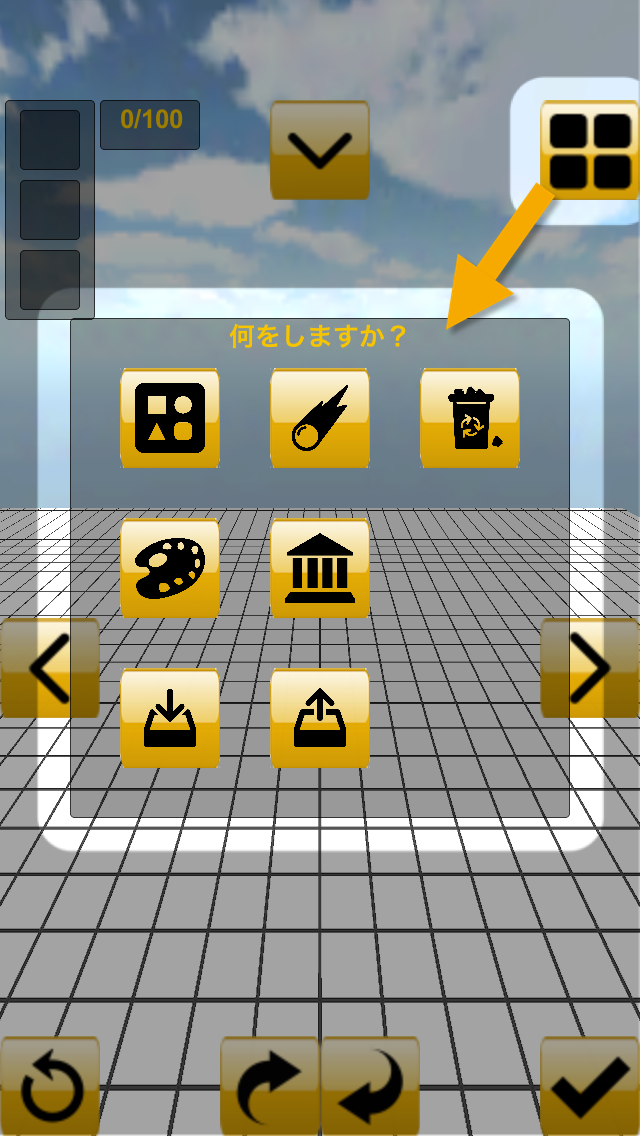
Build toy blocks
You can build toy blocks.
Tap and OK button.
Throw toy blocks
You can throw toy blocks.
Delete a toy block
You can delete a toy block by tapped one.
Choose a color
You can choose some color.
Choose a work
You can choose some sample works.
Save
You can save the scene.
Load
You can load saved works.
Redo Button
Redo button return to the previous state.
View Button
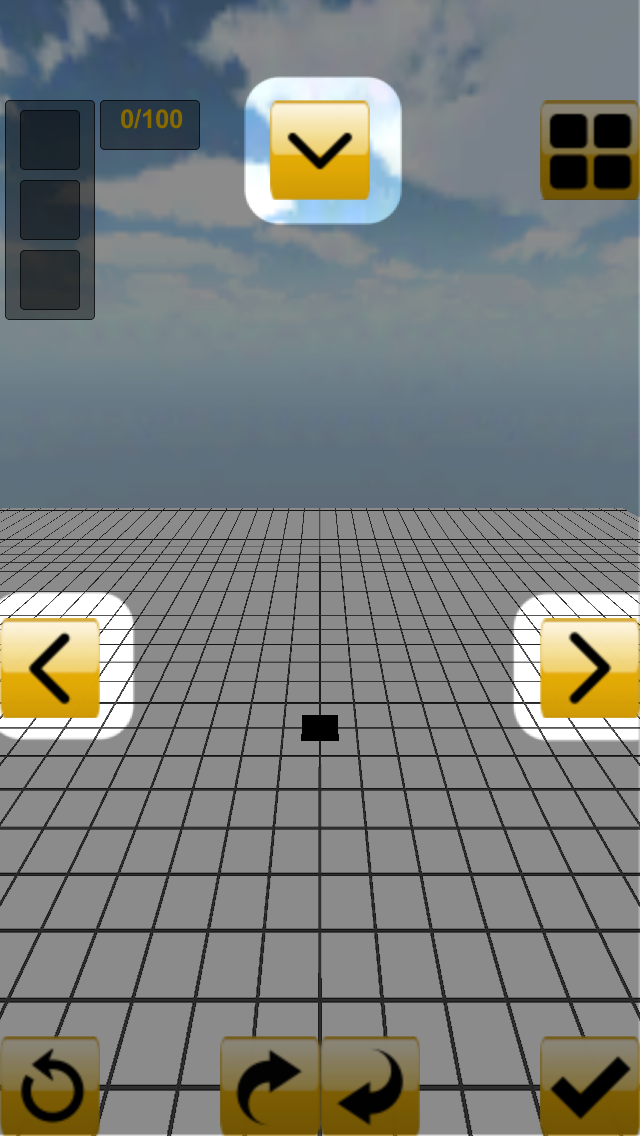
Pinch-in And Pinch-out
To zoom in or out the screen.
Swipe with double fingers
To rotate the screen.
Home View Button
To return base view.
Left View Button
To move left view.
Right View Button
To move right view.
Rotate Button
In choosing enable rotation object, you can rotate toy blocks.